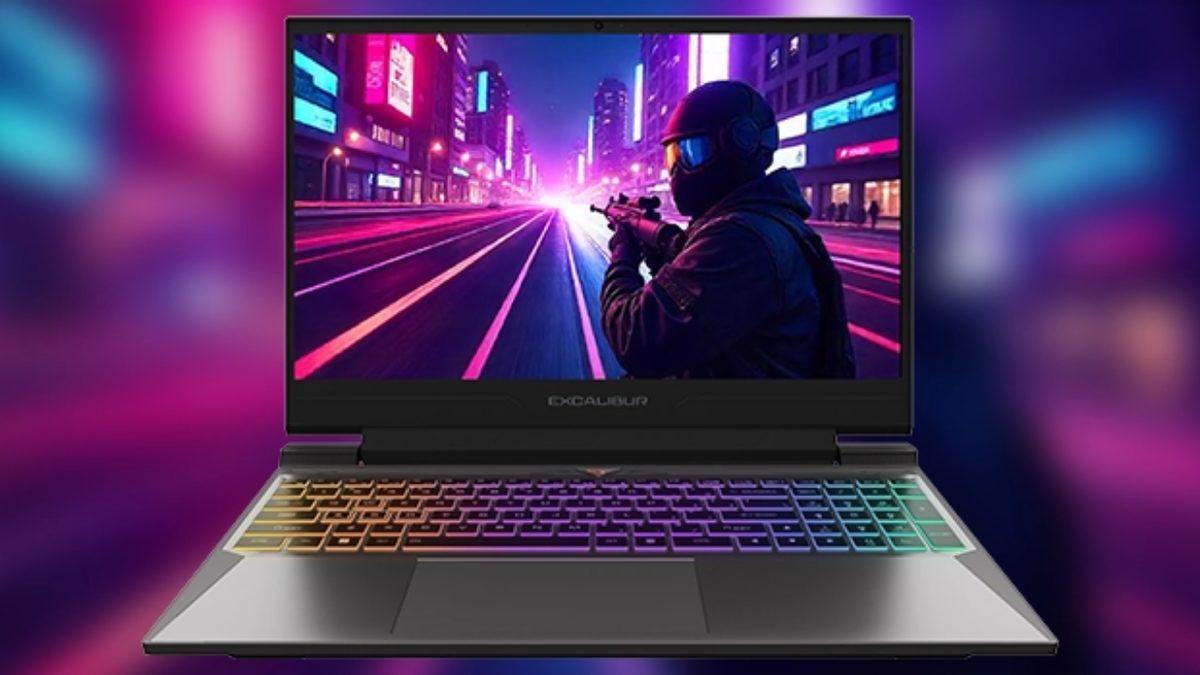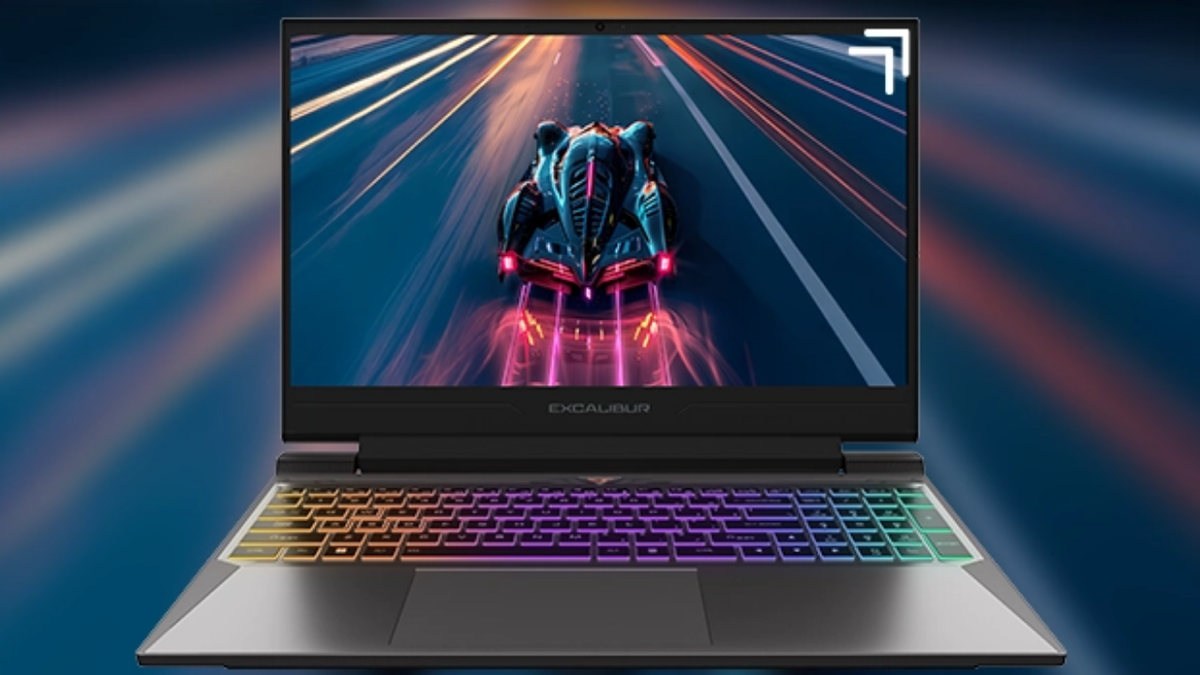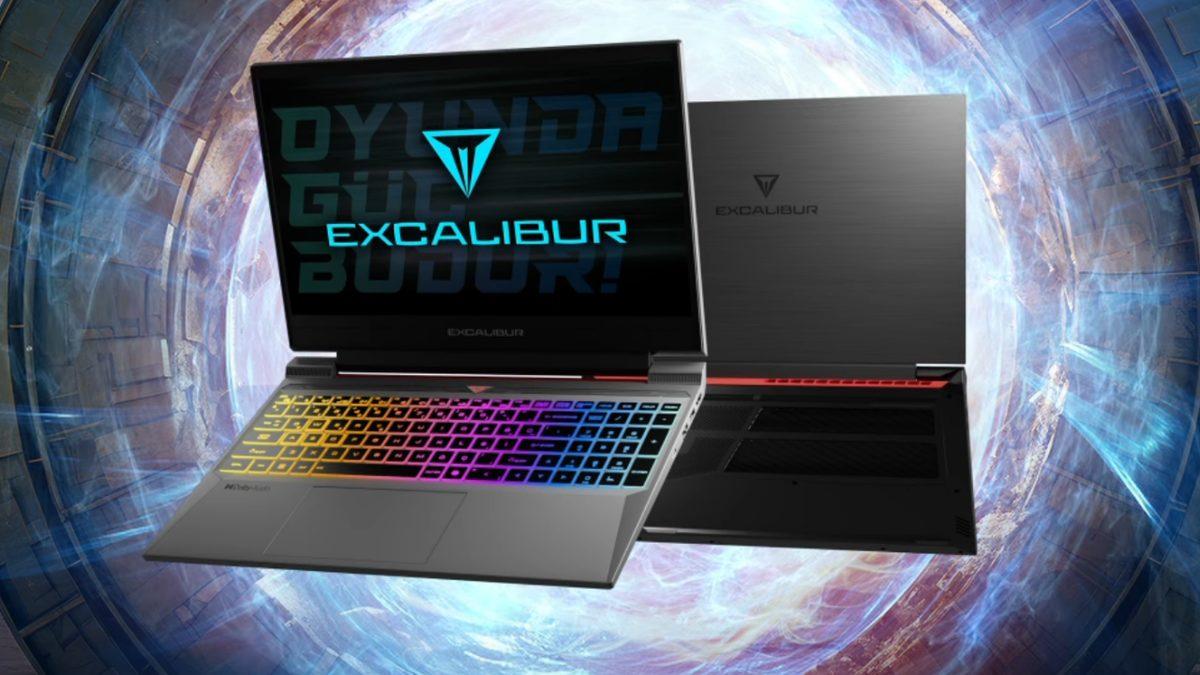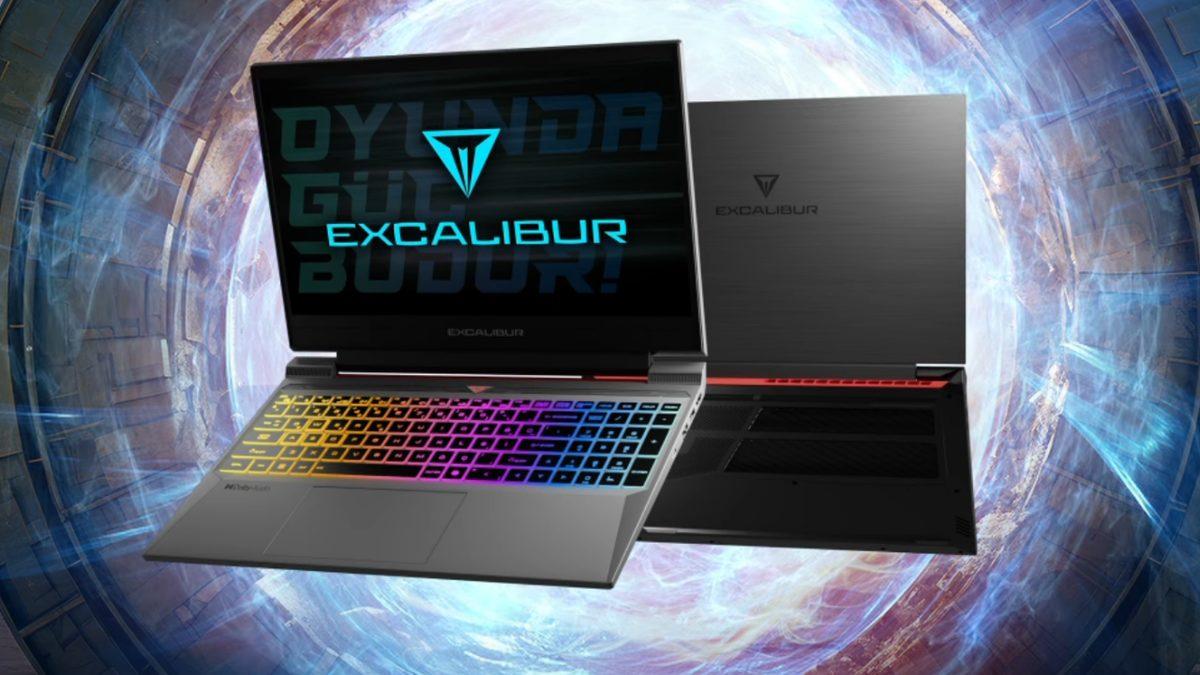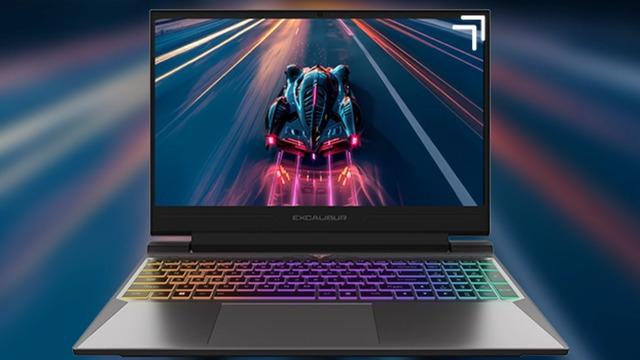
Discover the Casper Excalibur G870’s pricing, RTX 50‑series performance, and real user feedback in this concise review built for students and multitasking professionals.
Overview and Pricing
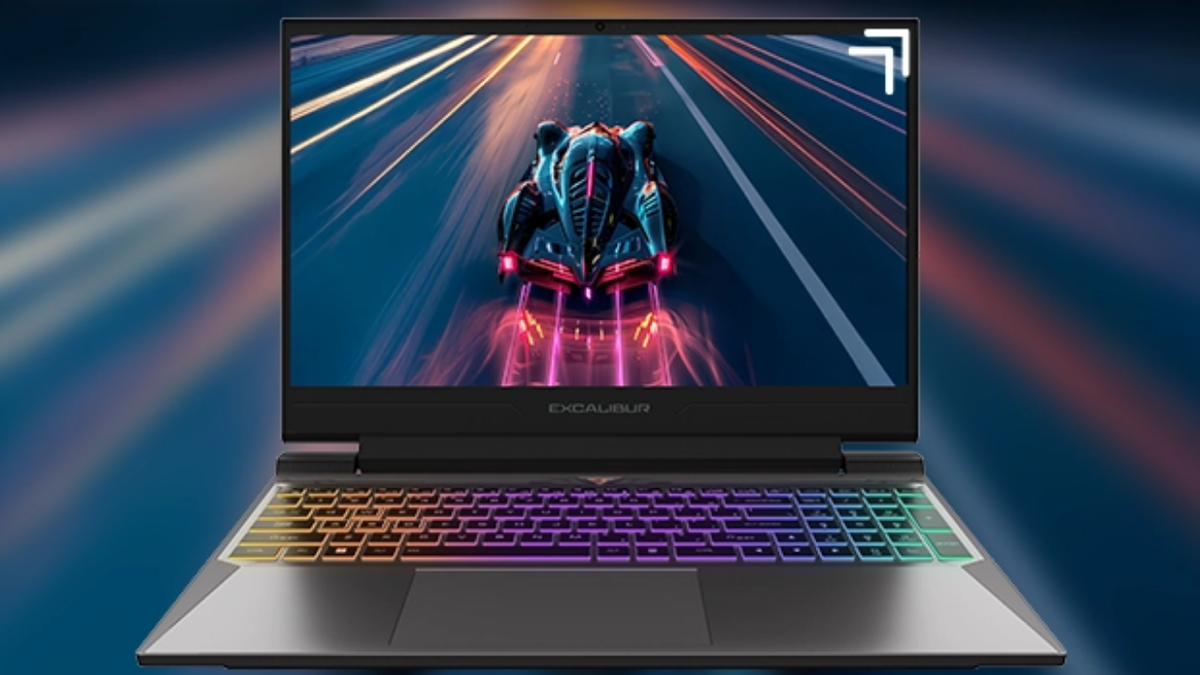
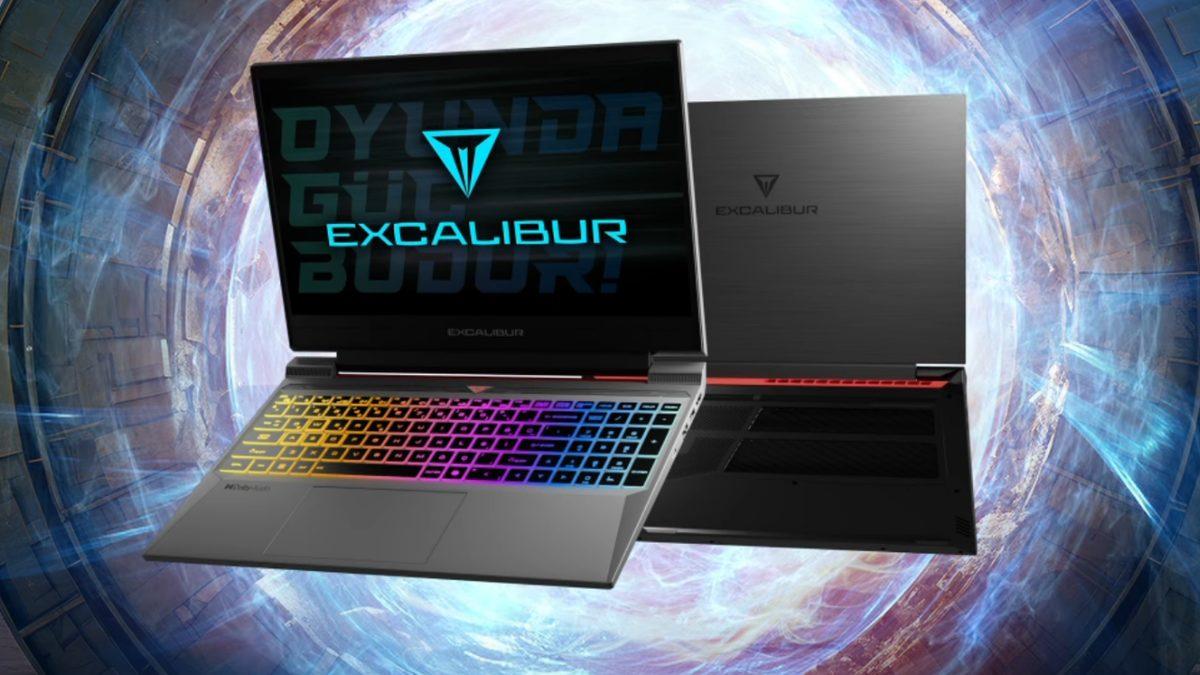
Casper positions the Excalibur G870 as a versatile gaming notebook that aims to serve students, remote workers, and casual gamers. The model starts at roughly 57,000 TL and features a 15.6‑inch display, an RTX 5050/5060/5070 GPU, and a lightweight aluminium chassis weighing just 2.5 kg. This combination targets users who need power for assignments and evening gaming without carrying a bulky machine.
Target Audience and Customization
The laptop is intended for people who split their day between lectures or office tasks and gaming sessions. Casper’s online configurator lets buyers choose the processor, graphics card, RAM, and SSD before purchase, offering flexibility for budget planning. This modular approach appeals to students who may upgrade components as their needs evolve.
The Excalibur series also includes a 15.6‑inch screen and optional DDR5 memory, giving users the chance to tailor performance to specific subjects or projects. Dual RAM slots and two M.2 slots mean future expansions are possible without replacing the whole device.
Value for a 55‑65 K Budget
For shoppers with a 55‑65 K TL budget, the G870 sits comfortably within that range, beginning at 57,406 TL. Prices shift based on the selected hardware, and installment options are available on certain credit cards. This pricing strategy makes the notebook an attractive option for those seeking a gaming‑capable laptop without overspending.
Performance Highlights
The G870 pairs an RTX 50‑series graphics chip with a 165 Hz panel and DDR5 RAM, delivering smooth frame rates in modern titles. All three RTX options (5050, 5060, 5070) share a 115 W GPU power draw and support Dynamic Boost 2.0, while a one‑month PC Game Pass adds access to over 100 games. The combination of high refresh rate and ray‑tracing capability positions the machine well for both work and play.
Full Specification Sheet
Price: Starting at 57,406 TL (around 4 % off the listed 59,798 TL)
| Özellik | Casper Excalibur G870 |
|---|---|
| Fiyat | 59.798 TL yerine 57.406 TL’den başlayan fiyatlarla (%4) |
| Ekran | 15.6″ FHD IPS, 165 Hz, 3 ms, 250 nit, anti-glare |
| İşlemci seçenekleri | Series 2 Intel Core 7 240H, Series 2 Intel Core 7 230H, 13. Nesil Intel Core i7 13620H |
| RAM | 2 SODIMM yuva, en fazla 64 GB (DDR5 ve DDR4 seçenekleri) |
| Depolama | 2 adet M.2 NVMe yuvası, PCIe 4.0 SSD seçenekleri (500 GB’tan 2 TB + 2 TB’a) |
| Gövde | Alüminyum alaşım, 2.5 kg, 23.9 mm |
| Batarya / adaptör | 61.53 Wh, 180W adaptör |
| Garanti | 24 ay |
Display: 15.6‑inch FHD IPS, 165 Hz, 3 ms response, 250 nit brightness, anti‑glare coating
CPU options: 13th‑gen Intel Core i7‑13620H, 12th‑gen Intel Core i7‑12700H, and newer Series 2 Intel Core i7‑240H/230H
RAM: Two SODIMM slots supporting up to 64 GB (DDR5 or DDR4)
Storage: Dual M.2 NVMe slots, PCIe 4.0 SSDs from 500 GB to 2 TB (+2 TB option)
Chassis: Aluminium alloy, 2.5 kg weight, 23.9 mm thickness
| Ekran kartı | Bellek | Not |
|---|---|---|
| NVIDIA GeForce RTX 5070 | 8 GB GDDR7, 128 bit | 115W, Dynamic Boost 2.0 |
| NVIDIA GeForce RTX 5060 | 8 GB GDDR7, 128 bit | 115W, Dynamic Boost 2.0 |
| NVIDIA GeForce RTX 5050 | 8 GB GDDR7, 128 bit | 115W, Dynamic Boost 2.0 |
| NVIDIA GeForce RTX 4050 | 6 GB GDDR6, 96 bit | Alternatif seçenek |
| NVIDIA GeForce RTX 3050 | 6 GB GDDR6, 96 bit | Alternatif seçenek |
Battery / Adapter: 61.53 Wh battery, 180 W charger
Warranty: 24‑month limited warranty
Which Games Run Smoothly?
With an RTX 50‑series GPU, the G870 can handle today’s AAA titles at high settings without major bottlenecks. Casper’s product page includes review videos that showcase real‑world gameplay, and several owners report high frame rates even in graphically intensive games. The chosen graphics card largely determines how comfortably a title runs.
Can It Tackle Demanding Titles?
Yes, especially when configured with the RTX 5070 model, the laptop can manage games that require strong system resources. Benchmark clips posted by reviewers demonstrate stable performance in titles that also involve rendering or modelling tasks. Prospective buyers should verify the exact hardware variant, as five different GPU options are on offer.
GPU Options Overview
Below is a quick look at the available graphics configurations:
| İhtiyacın | Casper Excalibur G870’teki karşılığı |
|---|---|
| Kampüse ve yurda taşımak | 2.5 kg, 23.9 mm, alüminyum alaşım gövde |
| Online ders ve görüntülü görüşme | 1080p FHD kamera, Dolby Audio 2W x 2 stereo hoparlör |
| Yurt interneti | Intel Wi-Fi 6 AX201, RJ45 portu, Bluetooth 5.2 |
| Ek monitör ve şarj | 1 HDMI, 1 USB-C (100W’a kadar şarj), 3 USB-A |
| Ödev, sunum, çoklu görev | 10 çekirdekli işlemci seçeneği, DDR5 RAM, PCIe 4.0 SSD, Copilot tuşu |
| Akşamları oyun | RTX 50 serisi seçenekleri, DLSS 4.5, 165 Hz ekran |
Mid‑Range Gaming Performance
At medium graphics settings, the G870 provides a solid experience thanks to its fast refresh display and DLSS 4.5 support on RTX 50 models. Frame‑rates vary by game and specific build, but most titles stay above 60 FPS. Casper advises using the laptop on battery with performance mode enabled for optimal results.
Cooling and Noise Considerations
The system uses two FrostFlux fans spinning at up to 5,400 RPM and 89 blades to keep temperatures in check during long sessions. A MUX switch lets the discrete GPU operate under load while the integrated graphics conserve power during light tasks. While many users praise the cooling efficiency, fan noise is a point of contention, with some noting it’s louder than ultra‑thin notebooks.
Student‑Friendly Features
Students appreciate the G870’s portability and connectivity options for campus life. The 2.5 kg chassis and aluminium body make it easy to carry between lectures and hostels. An RJ45 Ethernet port, HDMI output, and a USB‑C port that supports up to 100 W charging cover most on‑campus networking and external‑monitor needs.
Additional student‑specific attributes include a 1080p webcam, dual 2 W stereo speakers with Dolby Audio, and an optional Copilot key for quick AI assistance. These features aim to reduce the need for extra peripherals while handling online classes and group projects.
| Konu | Yorumlarda ne deniyor? |
|---|---|
| Oyun performansı | M B (18.09.2026): güncel oyunlarda bile yüksek performans alıyor |
| Uzun süreli kullanım | N A (16.09.2026): yaklaşık 2 yıldır kullanıyor ve çok memnun |
| Soğutma ve fan sesi | N Ç (07.07.2026): oyun geliştirme ve oynama için kullanıyor, soğutmayı iyi buluyor, fan sesini benzer donanımlara göre sessiz değerlendiriyor |
| Fiyat/performans | A S (26.03.2025): fiyatına göre güzel bir cihaz, pişman etmedi, tavsiye ediyor |
| Ailece kullanım | E S (30.08.2025): oğlu için aldı, beklentilerinin üzerinde buldu |
| Fan sesi | T G (11.10.2024): “tek sıkıntısı fan sesi ama memnunum ben” |
Evening Gaming Experience
When the day’s classes or work wrap up, the G870’s RTX lineup, DLSS technology, and high‑refresh display deliver smooth gaming sessions. The 165 Hz panel reduces motion blur, which is beneficial for competitive shooters and RPGs alike. This balance makes the laptop a viable all‑day device without sacrificing entertainment quality.
Everyday Productivity
For routine tasks such as assignments, presentations, and multitasking, the G870’s 10‑core processor and DDR5 memory provide ample headroom. The PCIe 4.0 SSD speeds up application launches, and the optional Copilot key offers quick AI‑driven shortcuts. Reviews also mention its suitability for light game development work.
Long‑Term Viability
Students planning to keep a laptop for several years find the G870 attractive because RAM and SSD capacities can be upgraded later. No computer guarantees a specific lifespan, yet owners report satisfaction after roughly two years of regular use. To extend usefulness, buyers are advised to select the RTX 50 series for DLSS benefits, prioritize DDR5 RAM, and consider adding a second SSD if storage needs grow.
Casper’s Lifetime Performance Maintenance service, recommended annually, includes the first session free of charge, helping the device stay fast over time. This after‑sale option can be a deciding factor for long‑term ownership.
User Feedback Summary
Comments on Casper’s official site are largely positive, with an average rating of 4.97 out of 5 based on 37 reviews (as of early October 2026). Users most frequently highlight strong gaming performance, competitive hardware pricing, and effective cooling. The fan’s audible operation is the most common drawback, with some users noting it’s noticeable during intense sessions.
Frequently Asked Questions
Should I keep the laptop plugged in for best performance? Casper classifies the Excalibur series as a performance device and recommends charging during heavy use. The company states that this practice does not shorten battery life, thanks to the 61.53 Wh cell and 180 W adapter.
Does swapping RAM or SSD void the warranty? According to Casper, the warranty remains intact as long as the device is not damaged during the upgrade process. However, any parts installed after the purchase are not covered under the standard warranty, so consulting an authorized service center is advisable.
Noise Levels and Fan Behavior
Casper explains that Excalibur models incorporate larger, multi‑blade fans to sustain performance during extended gaming. As fan speed rises, the noise output is slightly higher than in ultra‑thin notebooks, but the design prioritizes thermal management over silence. Users who work in quiet environments should factor this into their decision.
Operating System Options
Buyers can choose between Windows 11 Pro, Windows 11 Home Single Language, or a FreeDOS configuration. The FreeDOS version requires a separate Windows license, which is sold independently. This flexibility lets users select the OS that best matches their workflow and licensing preferences.
Who Might Find It Unsuited?
Those seeking a machine solely for web browsing, document editing, or video streaming may find the G870 over‑powered, resulting in unnecessary energy consumption. Users who require an ultra‑quiet workspace should consider the fan noise, as it can be distracting in silent settings. Professionals needing precise colour reproduction might be disappointed by the 250 nit brightness and 45 % colour gamut.

Final Verdict
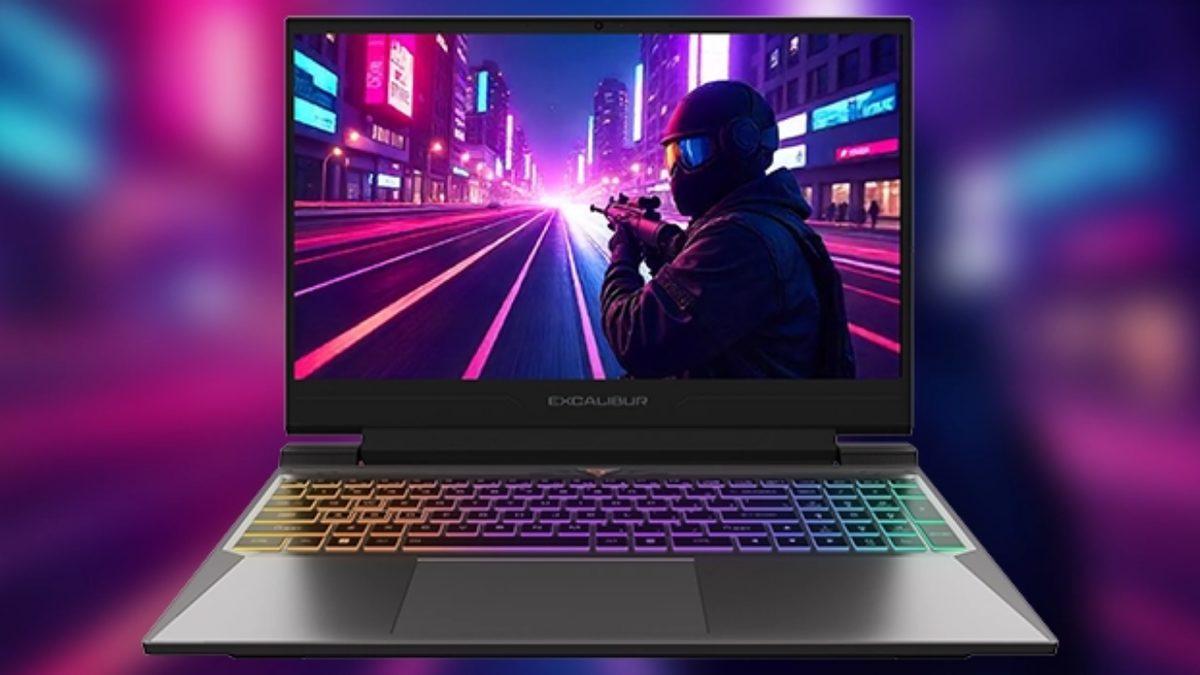
The Casper Excalibur G870 stands out as a well‑rounded option for students and professionals juggling study, work, and gaming. Its RTX 50‑series GPUs, high‑refresh display, and expandable storage address current needs while leaving room for future upgrades. Positive user reviews underscore its performance‑for‑price ratio, though prospective owners should be prepared for moderate fan noise and the recommendation to stay plugged in during intensive tasks.